Best Luggage Trackers: Network, Battery, and Privacy
Affiliate disclosure: This guide contains marked affiliate links, currently to Amazon. Canopy Trips may earn a commission from qualifying purchases at no added cost to you. As an Amazon Associate I earn from qualifying purchases. Recommendations are based on published specifications and source documents, not hands-on testing.
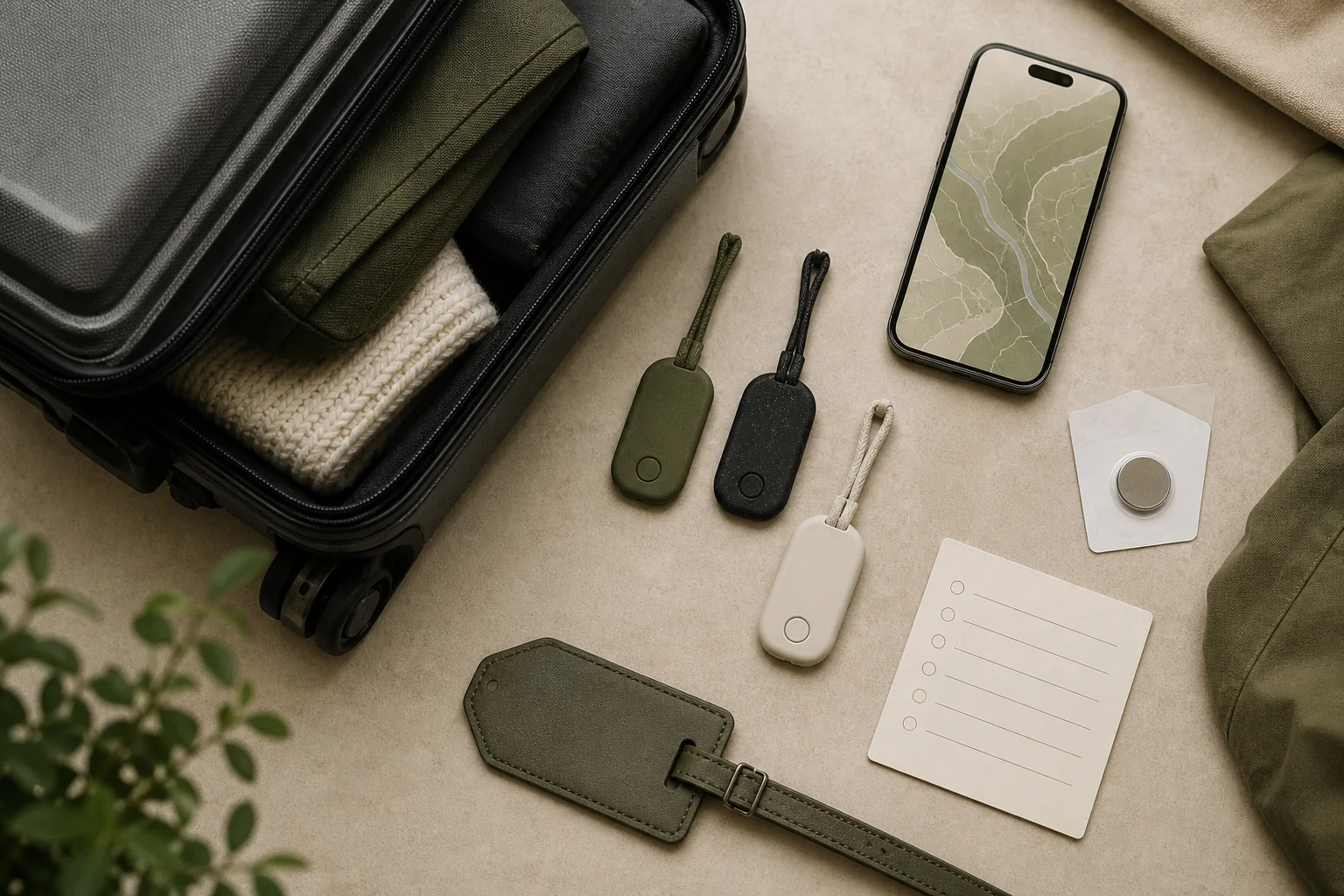
Choose the tracker that belongs to your phone ecosystem. AirTag (2nd generation) is the clear starting point for a supported iPhone. moto tag 2 fits an eligible Android phone using Google Find Hub. Galaxy SmartTag2 is for a compatible Galaxy phone or tablet using SmartThings Find. None is a GPS beacon or a cellular tracker. Each uses Bluetooth nearby and a crowdsourced device network when it is out of your own phone’s range.
That distinction matters at baggage claim. A network location is a report that another participating device detected the tag. It is useful for locating a delayed bag, but it is not continuous live location and cannot promise recovery. Start with the matrix, then confirm the requirements for the exact phone and route you will use.
Choose by phone first
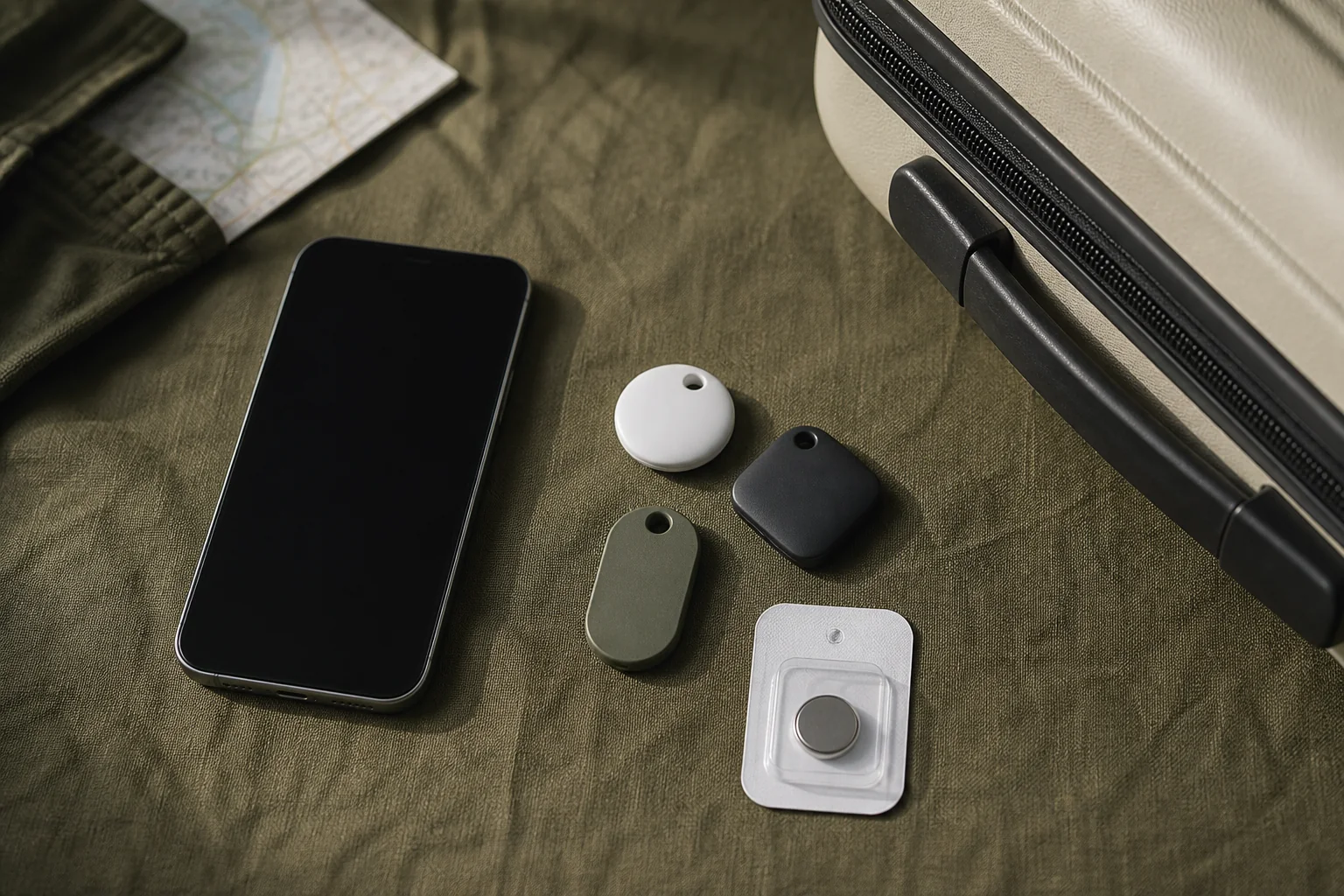
- Use AirTag (2nd generation) when you travel with a supported iPhone and want Apple Find My plus nearby Precision Finding on supported Ultra Wideband hardware.
- Use moto tag 2 when you use Android and meet the requirements for Google Find Hub. Its highest-precision options depend on newer phone hardware.
- Use Galaxy SmartTag2 only when your phone or tablet is compatible with Samsung’s Galaxy and SmartThings Find setup.
Three-tracker decision matrix
Compare documented configurations before adding a tracker to a luggage tag or an internal pocket.
| Tracker | Phone setup and remote finding | Nearby direction finding | Battery and protection | Privacy, warranty, and repair evidence | Flight and recall caution |
|---|---|---|---|---|---|
| Apple AirTag (2nd generation) | Apple Find My on a supported iPhone. Apple’s U.S. technical page lists iOS 26.0, while another regional Apple page lists iOS 26.2.1. Confirm the current requirement for the device and region. Find My can provide a network detection update when participating Apple devices are nearby. | Second-generation Ultra Wideband Precision Finding needs supported UWB iPhone hardware. Find Nearby is identified for iPhone 15 or later, while Apple separately lists iPhone 16e and iPhone 17e among models without UWB. | User-replaceable CR2032. IP67, tested at a maximum depth of one metre for up to 30 minutes under laboratory conditions. Water resistance can diminish over time. | Apple says tag location is not stored as a location history on the tag and Find My network communication is end-to-end encrypted. Apple accessory coverage is one year for qualifying defects; remedies may include repair, replacement, or refund. | Do not call it automatically airline-compliant. An August 25, 2026 CPSC ProductName search for model A2937 returned no recall entry, but CPSC’s 2025 warning-label action was a Notice of Violation, not a recall, for certain earlier imports. AirTag (2nd generation) Tech Specs Use AirTag and Find My to keep track of your personal items Apple introduces new AirTag with expanded range and improved findability Apple One-Year Limited Warranty – Accessory Ultra Wideband availability and device restrictions CPSC action on AirTag battery-ingestion warning labels CPSC Recalls API exact ProductName search: A2937 Identify the model number or serial number of an AirTag Apple Service Programs |
| Motorola moto tag 2 | Android 9 or later, Bluetooth, internet access, a Google Account, Find Hub, and requested location-related permissions are needed for pairing. A participating Android device can report a detected tag to Find Hub after it leaves nearby range. | UWB finding needs Android 12 or later, UWB-capable hardware, and UWB enabled. Bluetooth Channel Sounding needs supported Bluetooth 6.0 hardware and Android 16 or later. | User-replaceable CR2032. Motorola claims more than 600 days per battery. IP68 was tested at 1.5 metres of fresh water for 30 minutes; resistance can diminish and the tag is not waterproof. | Google says crowdsourced offline Find Hub network location reports are end-to-end encrypted. It separately documents unknown-tracker alerts, sharing and lock-screen controls, and network-participation settings. Motorola documents a 12-month U.S. limited warranty for XT2561-1, with carry-in and mail-in service options. | Motorola says UWB operation aboard aircraft, ships, and satellites is prohibited in the United States. A CPSC ProductName search for model XT2561-1 returned no recall entry on August 25, 2026; that is not global safety clearance. moto tag 2 product page moto tag 2 user guide, model XT2561-1 Find your phone with Find Hub: Locate devices and share How Find Hub protects location data and controls network participation Motorola Mobility LLC Limited Accessory Warranty CPSC Recalls API exact ProductName search: XT2561-1 Motorola Product Security Advisories and Announcements |
| Samsung Galaxy SmartTag2 | Galaxy phones and tablets running Android 9 or later, a Samsung Account, and SmartThings Find. Compass View requires Android 11 or later. Optional Offline finding can help locate a tag through nearby Galaxy devices. | UWB features need a UWB-enabled Galaxy device, and Compass View requires Android 11 or later. This is not a general Android precision-finding option. | Replaceable CR2032. Samsung claims up to 500 days under typical use. IP67 protection is not permanent. | SmartThings Find includes a setting to encrypt offline location. Samsung’s model documentation does not state a SmartTag2 EI-T5600-specific warranty duration or service path, so do not assume one from another Samsung product category. | Permission to pack a battery-powered tracker does not automatically clear every nearby precision feature for onboard use. A CPSC ProductName search for model EI-T5600 returned no recall entry on August 25, 2026; later notices and model aliases remain possible. Galaxy SmartTag2 specifications, model EI-T5600 Use SmartThings Find with the SmartThings app CPSC Recalls API exact ProductName search: EI-T5600 Samsung U.S. Support |
How a luggage tracker actually finds a bag
Nearby finding begins with Bluetooth between the tracker and your own phone. Once the tracker is farther away, it needs another participating phone or device to pass along a location update through the relevant network. Dense airports may provide more chances for a detection than a remote transfer point, but neither setting guarantees an update.
Precision finding is a different layer. It helps direct you toward a nearby tracker when both the tag and your phone have the required hardware. It does not make the tracker a satellite locator. Treat a precise arrow, a last detected network location, and a current bag location as three different levels of information.
For AirTag, verify both your iPhone model and the region-specific iOS requirement before purchase. For moto tag 2, separate basic Find Hub compatibility from UWB and Channel Sounding eligibility. For SmartTag2, verify that the device is a supported Galaxy model before relying on a SmartThings Find workflow. Use AirTag and Find My to keep track of your personal items Ultra Wideband availability and device restrictions moto tag 2 user guide, model XT2561-1 Galaxy SmartTag2 specifications, model EI-T5600
AirTag (2nd generation): the iPhone choice
AirTag is the straightforward option if your travel phone already works with Find My and supports the nearby feature you expect to use. Its NFC capability supports Lost Mode, and its CR2032 compartment can be opened for a replacement cell. The IP67 rating is useful for incidental exposure, not a reason to leave a tracker in standing water. Apple’s U.S. page lists iOS 26.0 while its regional page lists iOS 26.2.1, so confirm the requirement shown for your device and region. AirTag (2nd generation) Tech Specs – U.S. AirTag (2nd generation) Tech Specs
Privacy and support: Apple says only the owner can access Find My location data, and an owner can choose to share a delayed item’s location with a participating airline. Share such a link only through the airline’s chosen support channel and stop sharing when it is no longer needed. The accessory warranty covers manufacturing defects for one year, while ordinary battery depletion is excluded unless tied to a covered defect. Apple introduces new AirTag with expanded range and improved findability Apple One-Year Limited Warranty – Accessory
Materials: Apple identifies 85% recycled plastic in the enclosure, recycled gold plating and tin solder on Apple-designed circuit boards, and recycled rare-earth elements in its magnets. Those are component-specific disclosures. They are not a whole-product recycled-content percentage or a comparative environmental score. AirTag (2nd generation) Tech Specs
moto tag 2: the Android choice with feature tiers
moto tag 2 makes sense when Google Find Hub is your network and your phone meets the appropriate tier of requirements. Basic setup does not promise access to its most precise modes. UWB and Bluetooth Channel Sounding each add distinct operating-system and hardware gates, so check the phone’s own specifications before making nearby direction finding the deciding feature. moto tag 2 user guide, model XT2561-1
Battery and service: Motorola’s more-than-600-day figure is an estimate, not a fixed replacement schedule. If you pack a spare CR2032, FAA requires it in carry-on baggage only with the terminals protected from short circuit; retail packaging, terminal tape, or a battery case are practical options. Use the documented service route for a covered defect rather than treating the tag as disposable. moto tag 2 product page moto tag 2 user guide, model XT2561-1 Motorola Mobility LLC Limited Accessory Warranty PackSafe: Spare Lithium Batteries
Privacy: Google’s end-to-end-encryption claim applies to crowdsourced offline-network location reports, not every Find Hub or Location Sharing flow. Review network participation, sharing, lock-screen access, and unknown-tracker alerts before departure. These controls reduce risk but do not guarantee immediate detection or recovery. Find your phone with Find Hub: Locate devices and share How Find Hub protects location data and controls network participation
Galaxy SmartTag2: choose only for the Samsung setup
Galaxy SmartTag2 belongs in a Galaxy and SmartThings Find routine, not a broad Android shortlist. Its replaceable battery and stated IP67 rating suit a tracker stored inside luggage, but the battery figure is a typical-use claim and resistance is not permanent. The user manual explains battery removal but does not document a normal power-off control; removing the CR2032 disables tracking. Galaxy SmartTag2 specifications, model EI-T5600 Galaxy SmartTag2 EI-T5600 User Manual
Privacy: Turn on the SmartThings Find settings you want before the trip. Samsung describes Offline finding and a separate encryption setting for offline location. Keep account recovery details current, because a tracker tied to an inaccessible account is less useful when a bag is delayed. Use SmartThings Find with the SmartThings app
Warranty limit: The SmartTag2 EI-T5600 product material linked here does not provide a model-specific warranty term or a service option. That absence is a reason to confirm local purchase terms, not a reason to borrow a warranty promise from a phone or another accessory. Galaxy SmartTag2 specifications, model EI-T5600
Pack and fly with the battery rule in view
On August 25, 2026, model-and-alias checks of Apple Service Programs for A2937 and AirTag (2nd generation), Motorola’s support and security-advisory channel for XT2561-1 and moto tag 2, and Samsung support for EI-T5600 and Galaxy SmartTag2 did not surface a model-specific recall, service program, or safety advisory. Separate CPSC model-code searches were also empty. These dated checks are not permanent or global clearance. Identify the model number or serial number of an AirTag Apple Service Programs Motorola Product Security Advisories and Announcements Samsung U.S. Support CPSC Recalls API exact ProductName search: A2937 CPSC Recalls API exact ProductName search: XT2561-1 CPSC Recalls API exact ProductName search: EI-T5600
The FAA treats luggage trackers as battery-powered portable electronic devices. A tracker in checked baggage may contain no more than 0.3 grams of lithium metal or 2.7 Wh for lithium ion. The product pages identify CR2032 cells but do not publish the included cell’s lithium content, so verify the marking or manufacturer information and check the airline. Spare CR2032 batteries belong in carry-on baggage only with terminals protected. If that carry-on is gate-checked, remove the spares and keep them in the cabin. PackSafe: Baggage Equipped with Lithium Batteries PackSafe: Spare Lithium Batteries
Battery packing permission does not clear every radio feature for onboard use. Motorola prohibits UWB operation aboard aircraft, ships, and satellites in the United States. Apple says AirTag UWB is active only during a user-triggered nearby finding session and directs travelers to put the paired UWB-compatible Apple device in Airplane Mode where UWB use is prohibited on aircraft or ships. Samsung’s EI-T5600 safety guide says the device should be off during takeoff and landing, but its user manual does not document a normal power-off control. Removing the battery disables the tracker and finding functions. Confirm the airline’s rule before placing an active SmartTag2 in checked baggage, and follow the crew’s instructions. moto tag 2 user guide, model XT2561-1 AirTag (2nd generation) Safety and Handling Galaxy SmartTag2 EI-T5600 Safety Guide Galaxy SmartTag2 EI-T5600 User Manual
Coin cells also need a child-safety plan. CPSC warns that swallowing a button or coin battery can cause severe injury or death, including burns through a child’s throat or esophagus in as little as two hours. Keep both the tracker and spare CR2032 cells away from children. Seek immediate medical attention after a suspected swallowing incident. Button Cell and Coin Batteries
A practical final check before the trip
- Pair the tracker to the account you will carry, then confirm it appears in its locating app.
- Confirm nearby-finding eligibility separately from basic network finding.
- Review unknown-tracker alerts, location-sharing choices, and account recovery information.
- Check the installed cell, airline baggage rule, and any onboard radio restriction for the exact route.
- Repeat the model-and-alias safety searches close to departure because the August 25, 2026 checks are not permanent clearance.
Keep the luggage decision separate from the tracker decision. Best Sustainable Luggage in 2026: Claims Checked covers bag claims and construction. Best Carry-On Travel Backpacks: Claims Checked helps compare carry-on packs. Sustainable Travel Packing List: Buy Less, Pack for the Route can reduce duplicate gear, while Best Airline-Safe Power Banks for Travel (2026) covers a different battery category with its own flight rules.
Bottom line: Buy for the network your phone can actually use. AirTag (2nd generation) is the iPhone-focused pick, moto tag 2 is the Android Find Hub option with the most explicit feature tiers, and Galaxy SmartTag2 is a Samsung-specific choice. Verify phone compatibility, privacy settings, battery details, and airline restrictions before placing any tracker in checked luggage.